
Take full control of your project files—stay organized, collaborate faster.
Centralize all your project files in one secure place, collaborate with your team effortlessly, and keep track of every update to ensure nothing is ever lost or overlooked.
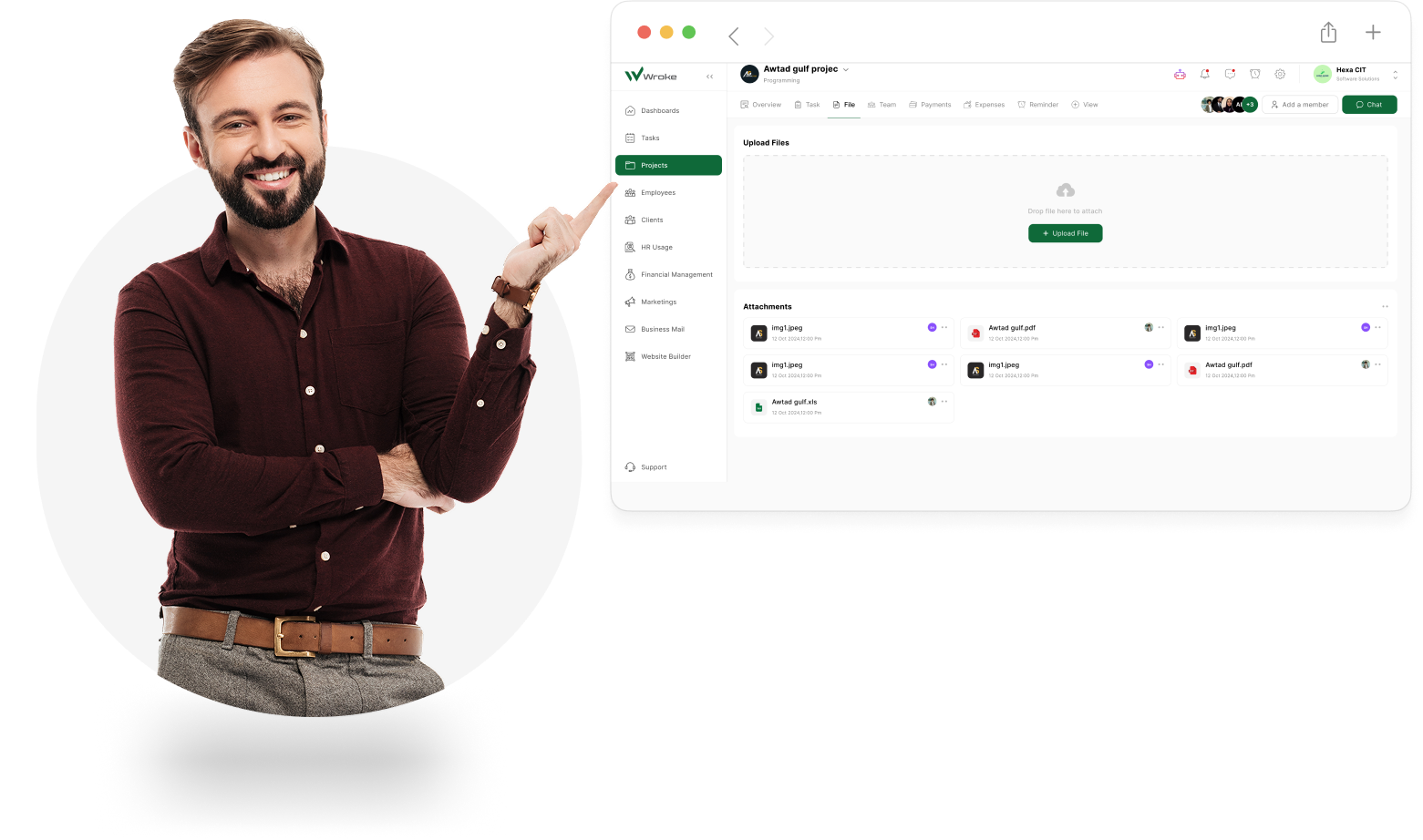
What is Document Management in Wroke?
Discover how Wroke lets you organize, access, and collaborate on all your project files seamlessly in one place.
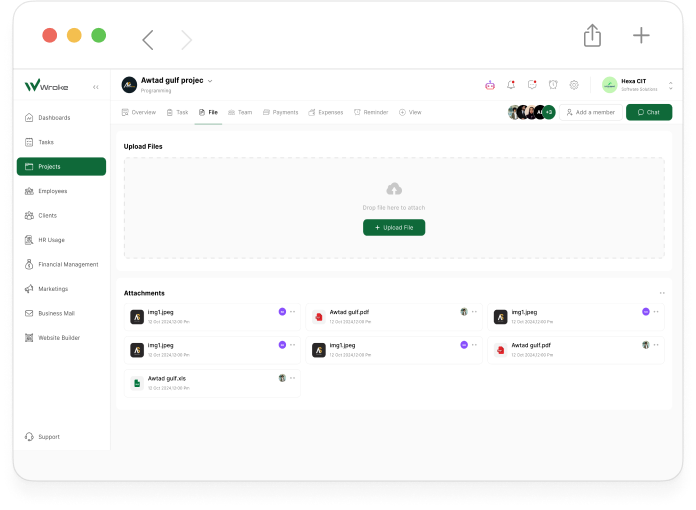
Wroke’s Document Management feature centralizes all your project files in one secure, organized location, giving your team seamless access to every document they need. From uploading and sharing to real-time updates and version control, this feature ensures that nothing is ever lost or overlooked. By keeping all files—from images and spreadsheets to presentations—easily accessible and systematically organized, teams can collaborate more efficiently, maintain complete control over project assets, and significantly boost productivity, all while keeping projects on track and on schedule.
What Makes Wroke’s Document Management Truly Stand Out?
Explore the tools and functionalities that make managing your project files more organized, accessible, and efficient, enabling faster and more accurate collaboration.

Centralized File Storage
Store all project files in one secure and organized location. This ensures your team can quickly find any document they need, reducing wasted time and keeping work flowing smoothly. Centralized storage also simplifies file management and ensures nothing gets lost or misplaced.

Real-Time Collaboration
Collaborate on documents simultaneously with your team, making updates instantly visible to everyone. This improves communication, reduces duplication of work, and ensures all team members stay aligned throughout the project lifecycle.

Version Control
Keep track of all changes and maintain previous versions of each file. Version control prevents accidental loss of important data, allows easy rollback to prior versions, and ensures your team always works with the most up-to-date documents.

Easy File Sharing
Share documents quickly with specific team members or groups, eliminating the need for long email chains. This feature enhances team communication, speeds up decision-making, and ensures everyone has access to the right files at the right time.

Access Control
Set permissions to determine who can view or edit files, keeping sensitive information secure. Access control helps maintain confidentiality, ensures accountability, and provides peace of mind that project data is protected.

Quick Search & Retrieval
Instantly locate any file with Wroke’s powerful search tools. By making all documents easily searchable, this feature saves time, improves workflow efficiency, and reduces frustration from manually hunting for files.

Enhanced Productivity
Minimize the time spent searching for documents or correcting errors. By centralizing files, streamlining collaboration, and organizing data efficiently, teams can focus on their core tasks and deliver projects faster and more effectively.

Secure & Reliable
Protect sensitive project data with robust security measures, including encryption and secure access protocols. This ensures that your files remain safe from unauthorized access, giving your team confidence and maintaining the integrity of all project assets.
How Document Management Works in Wroke?
Learn how Wroke organizes, secures, and streamlines all your project files for effortless collaboration.
Control your files, boost productivity.

Wroke’s Document Management system centralizes all your project files in one secure, organized location, giving your team seamless access to everything they need. Users can effortlessly upload, share, and update documents in real-time, while built-in version control ensures no changes are ever lost. Set permissions and access levels for different team members to maintain secure collaboration, and receive automated notifications to stay on top of every update. With powerful search functionality, quick file retrieval, and structured organization, teams can work more efficiently, minimize errors, and ensure projects stay on track and on schedule.